RAJ

Add Flying Letters below Mouse Pointer Animation

/ ARTICLE
Archived from netoopsblog.com. This post was recovered from historical snapshots. View original URL
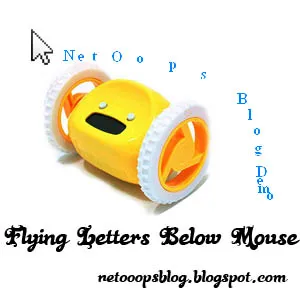
flying letters below mouse
How to setup flying letters below mouse pointer.This a simple article that Spice your Blog.After inserting this Code,When you move mouse over your Blog, you will see that Letters you SET in the below code will flying like a Animation.


Install Flying Letters Below Mouse Widget

Make sure you had Backed up your Template(How To BackUp Template?)

  • Sign In to your Blogger Account
  • Go to Design->Edit HTML
  • Find (Find Easily Using Ctrl+F) and Copy and Paste the below Code above

  • Save it,its all.....you are almost done.
/ SHARE